Merge Photos
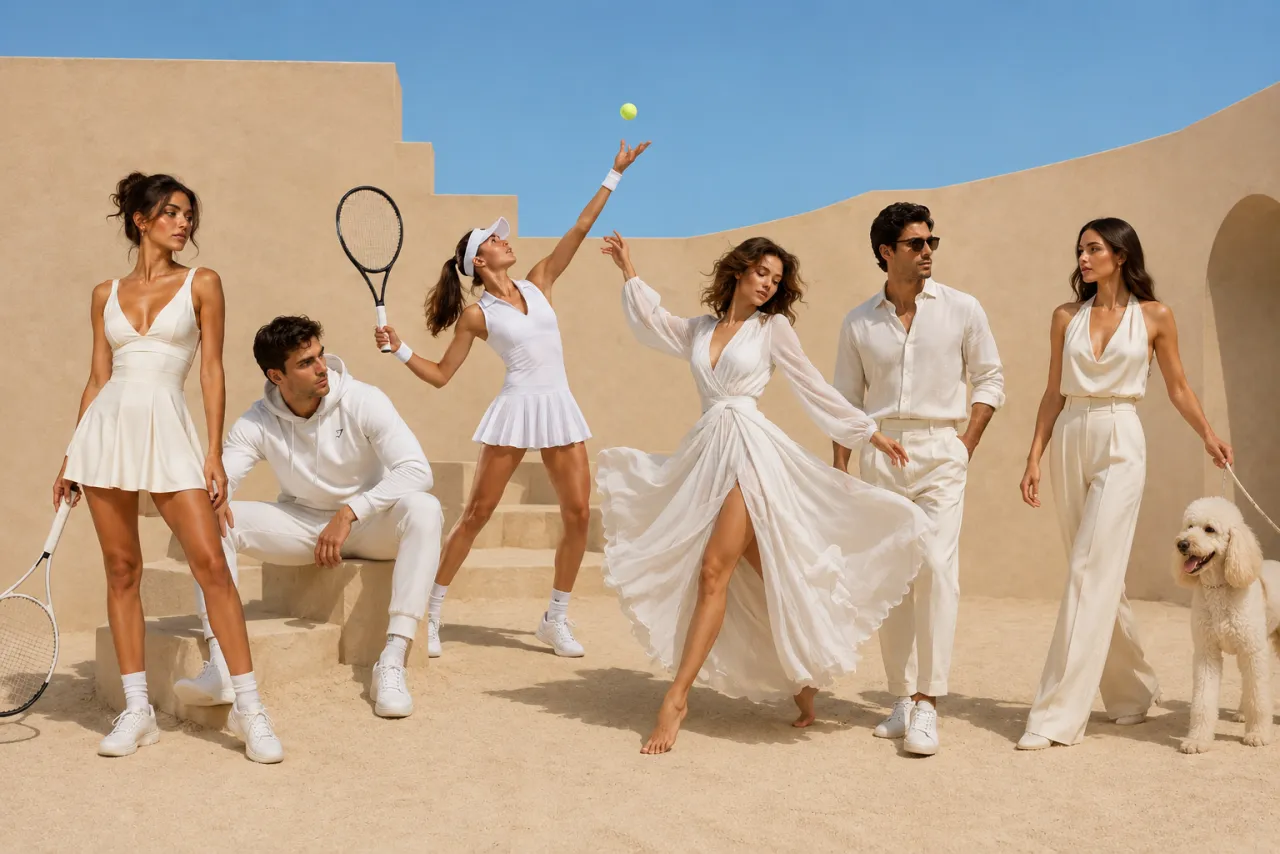
One prompt, one frame — the AI arranges your photos into a single cinematic scene.
Open the AI image combiner →Free · No sign-up · Powered by GPT Image 2
Upload up to six photos, pick a style or write a prompt, and this free AI photo combiner blends them into a single natural image — faces, light and shadows matched, seams gone.
Add a photo to get started.
Uploading photos…
0%
Usually 20–60 seconds. Keep this tab open.
Couldn't finish this combine
Something interrupted the blend.
Six everyday jobs this AI photo combiner runs — two or more images in, one natural image out. Every result is generated, not collaged: one light source, one perspective, no visible seams.
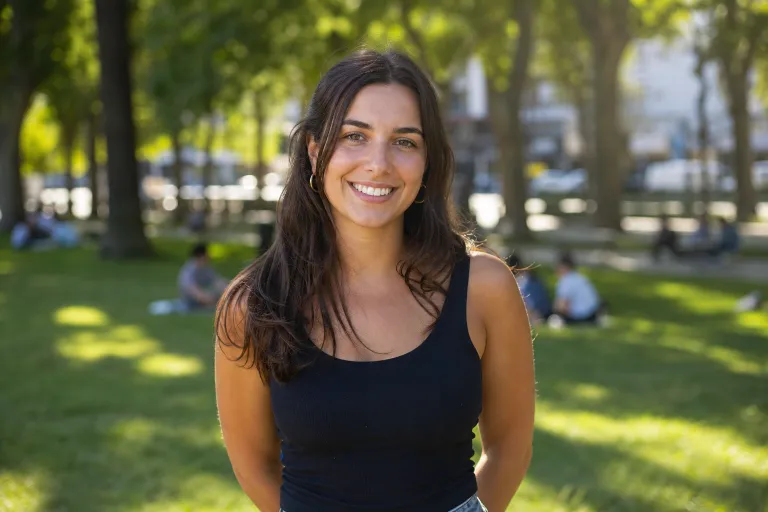
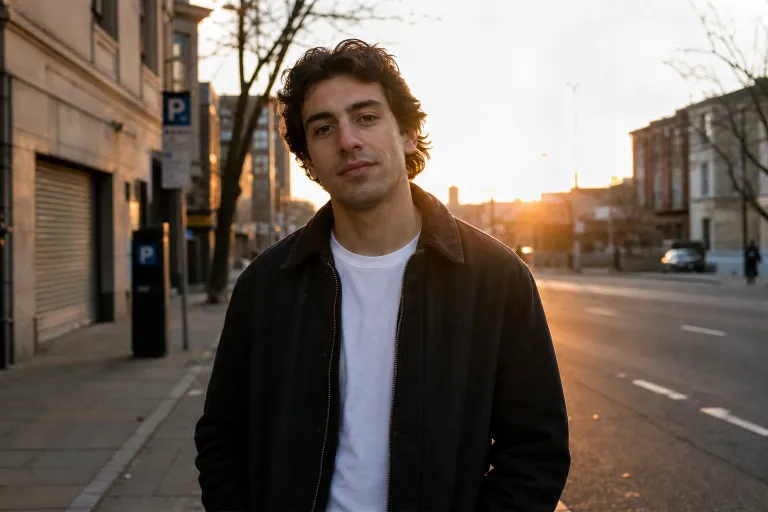
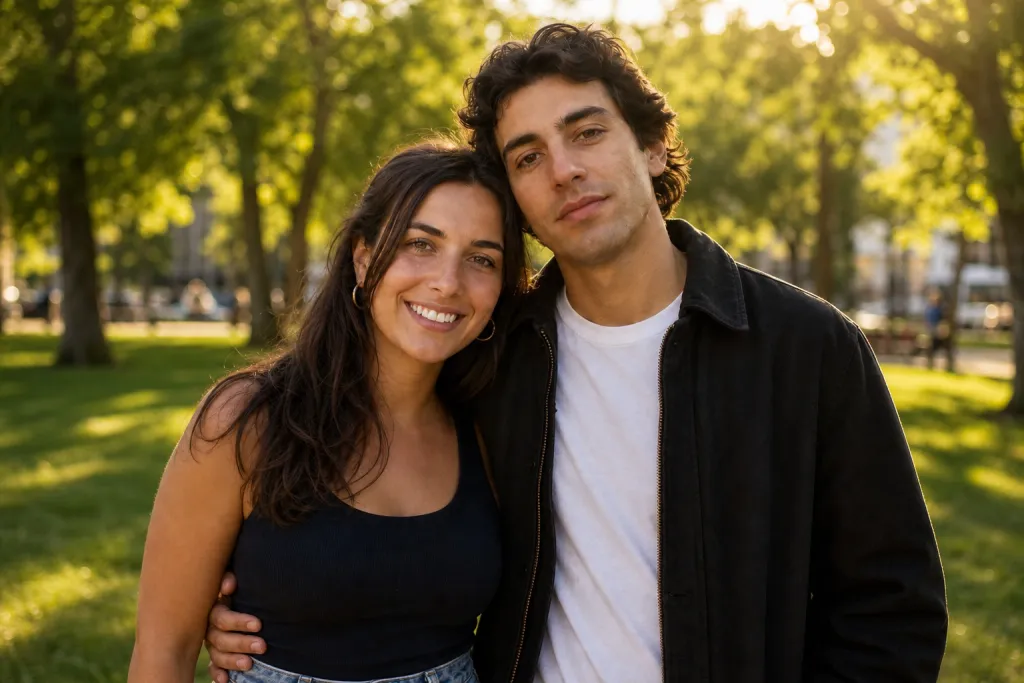
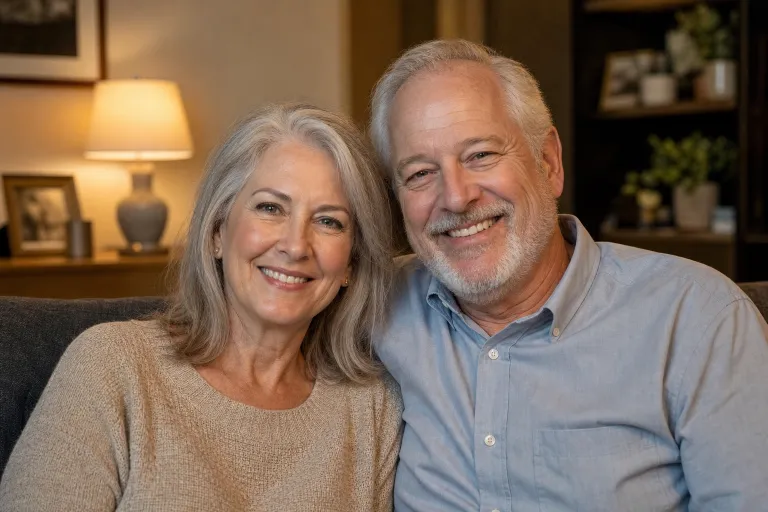
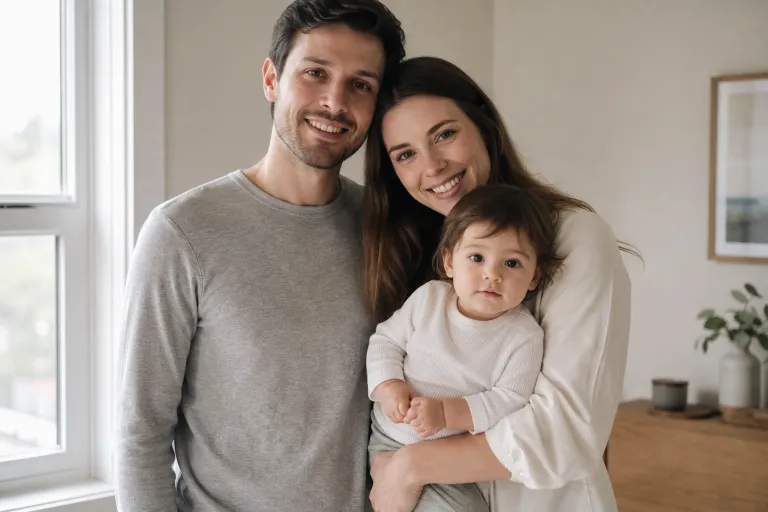
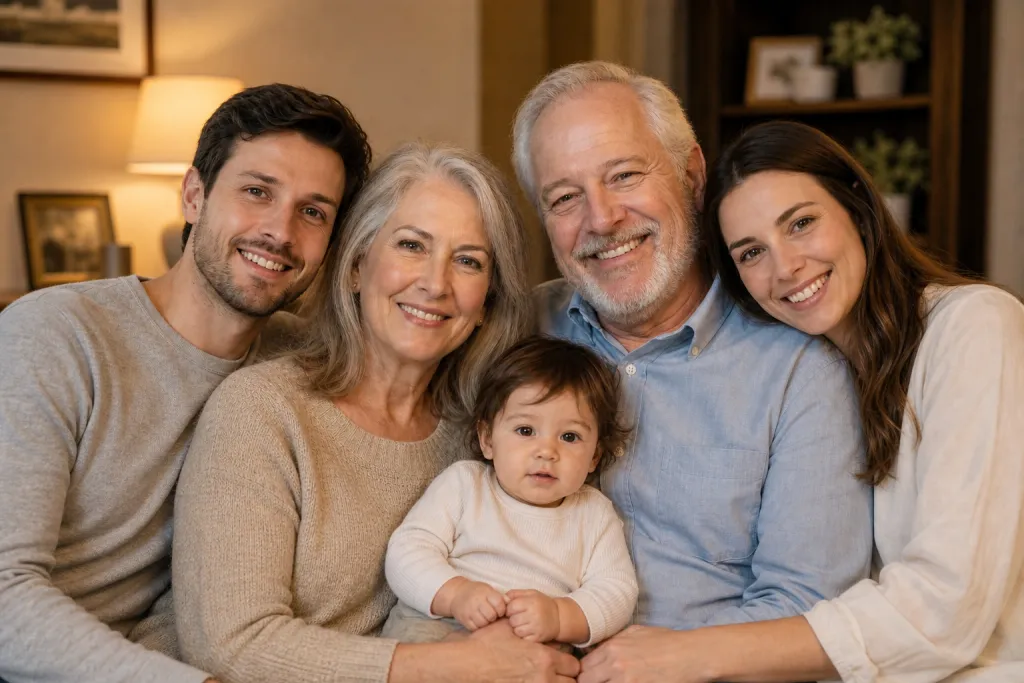
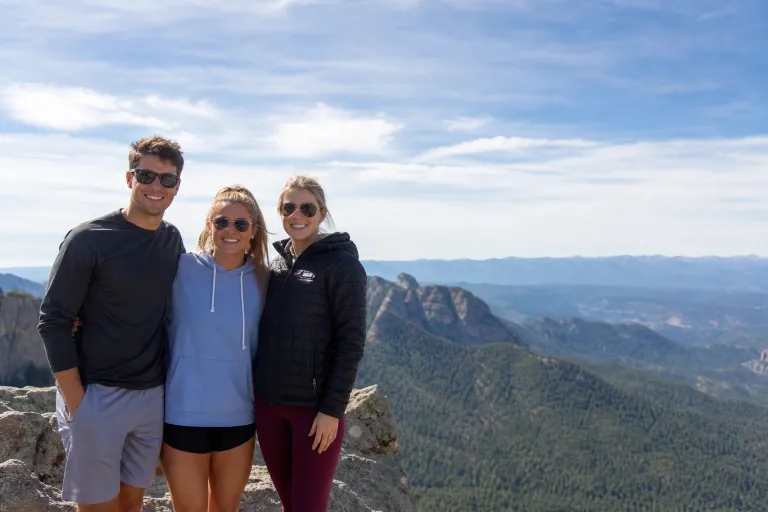
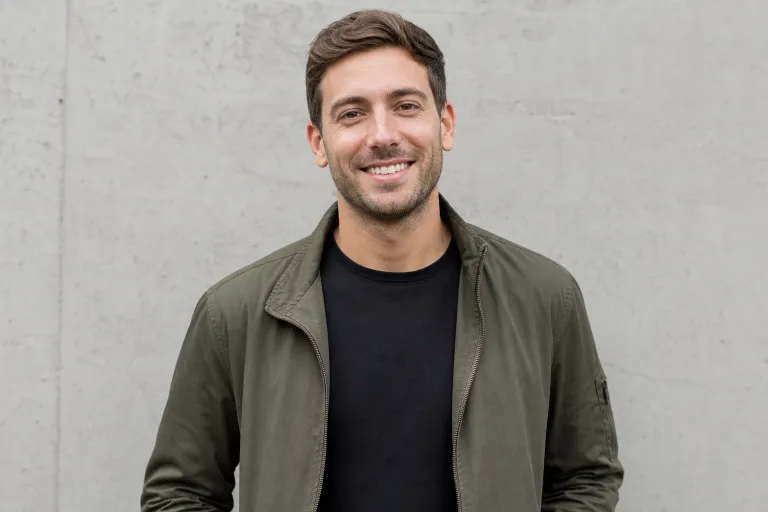
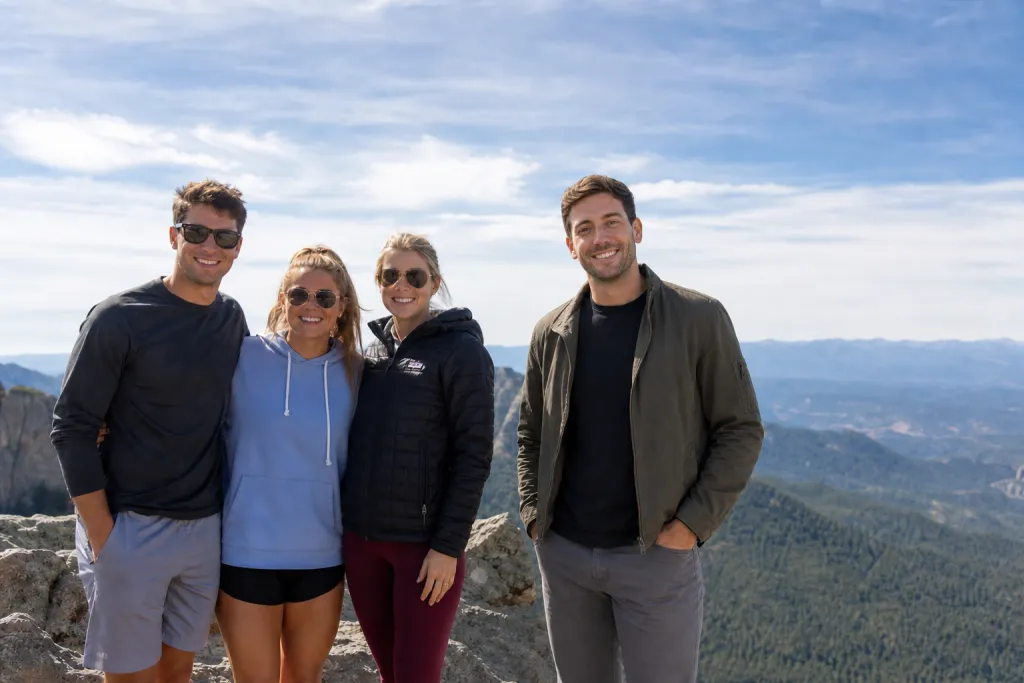
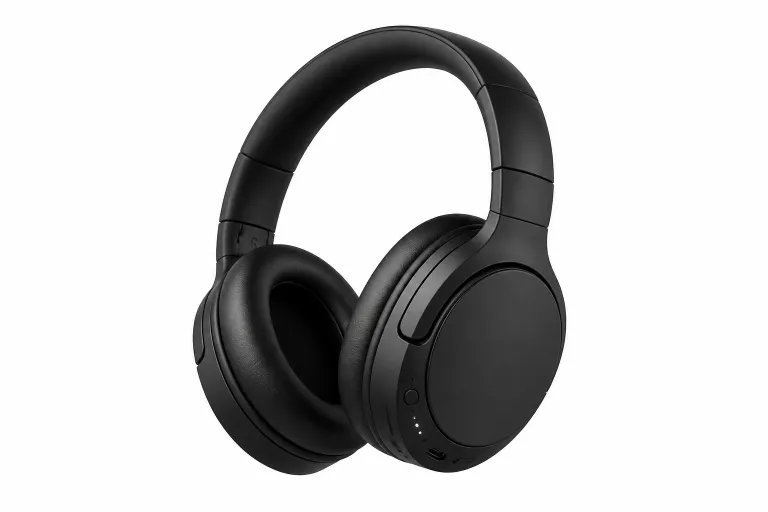
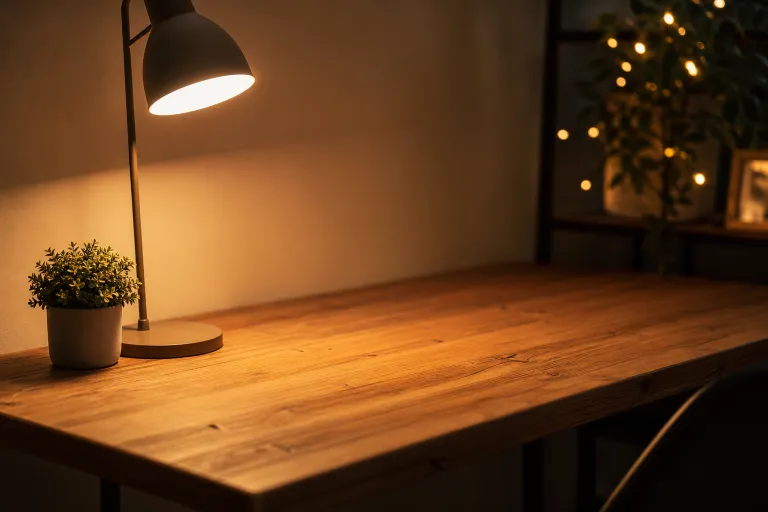
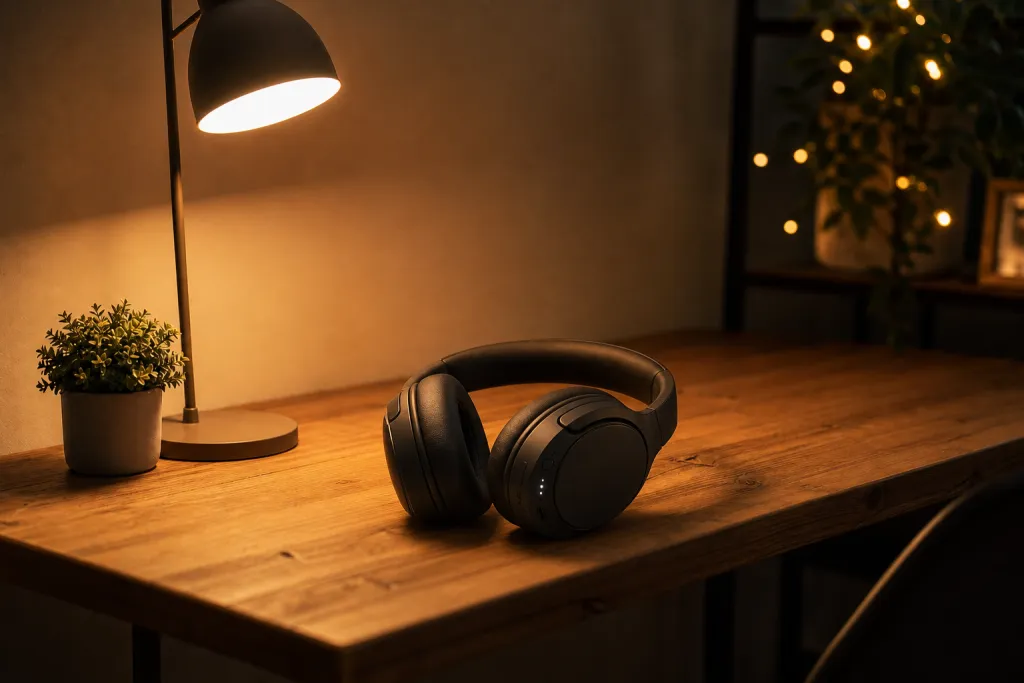
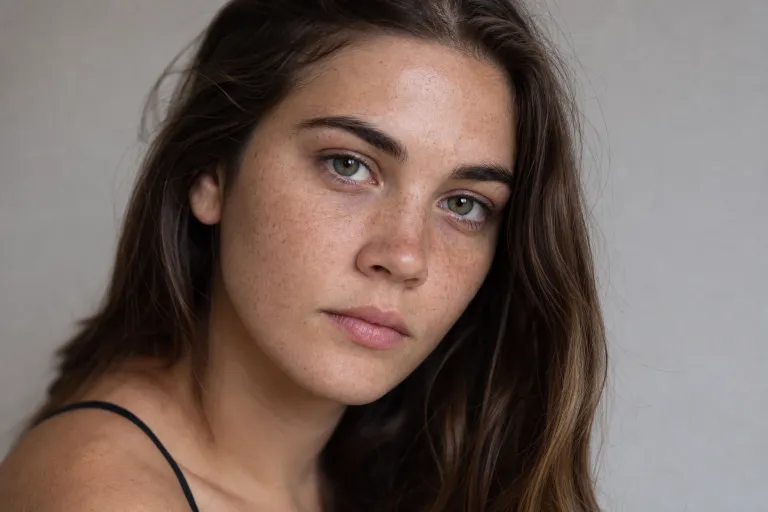
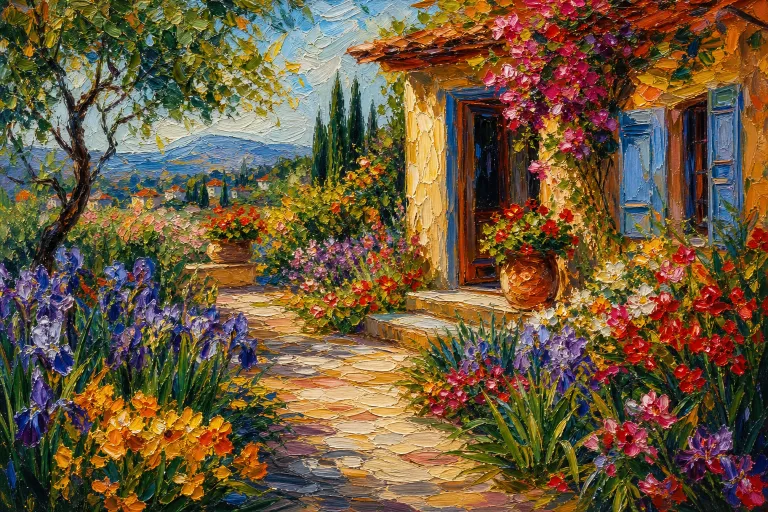
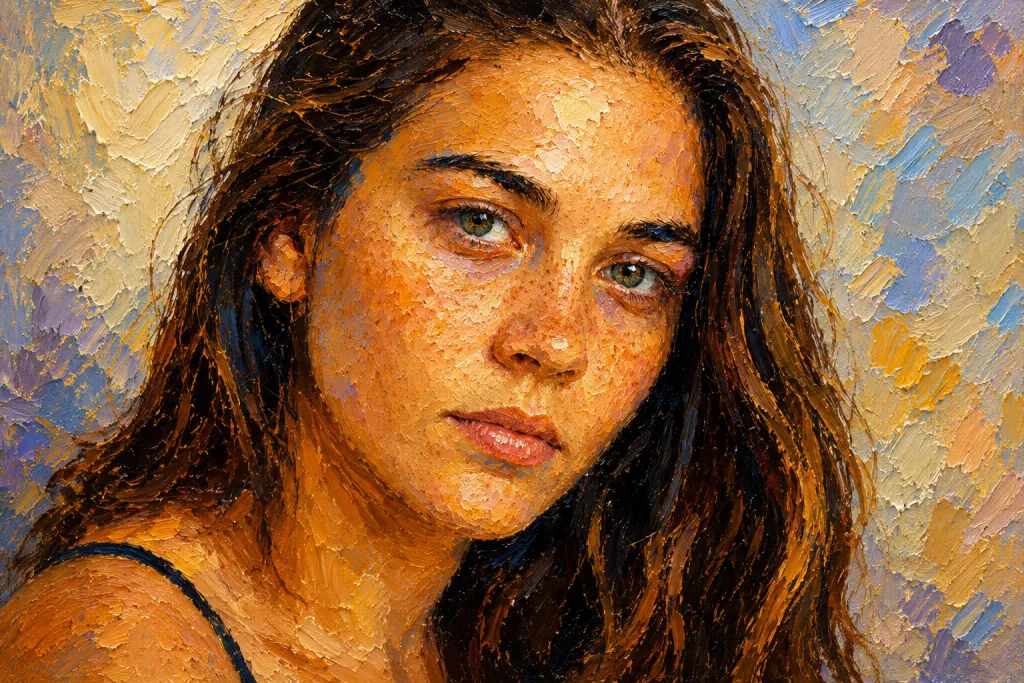
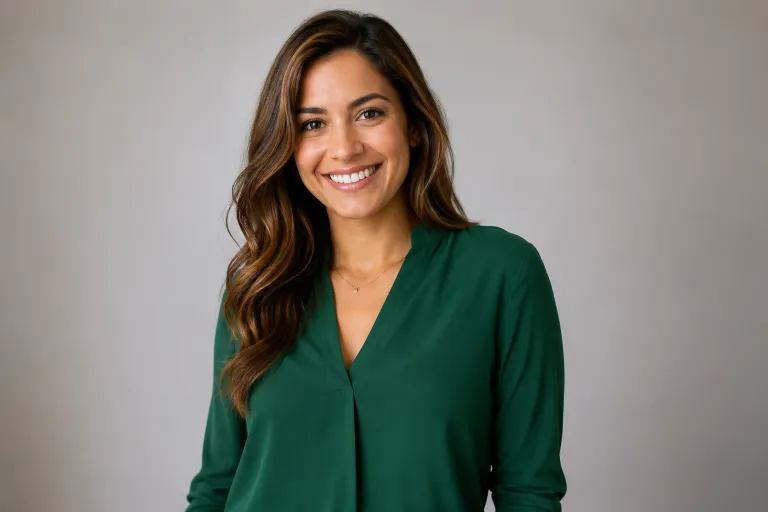
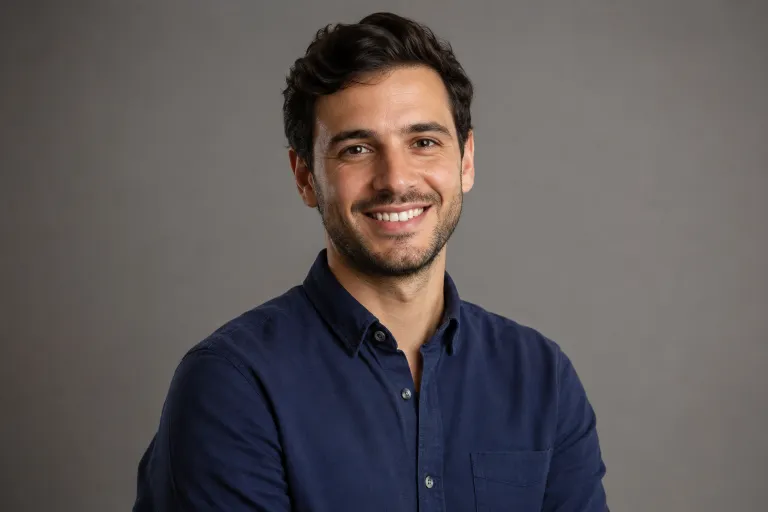
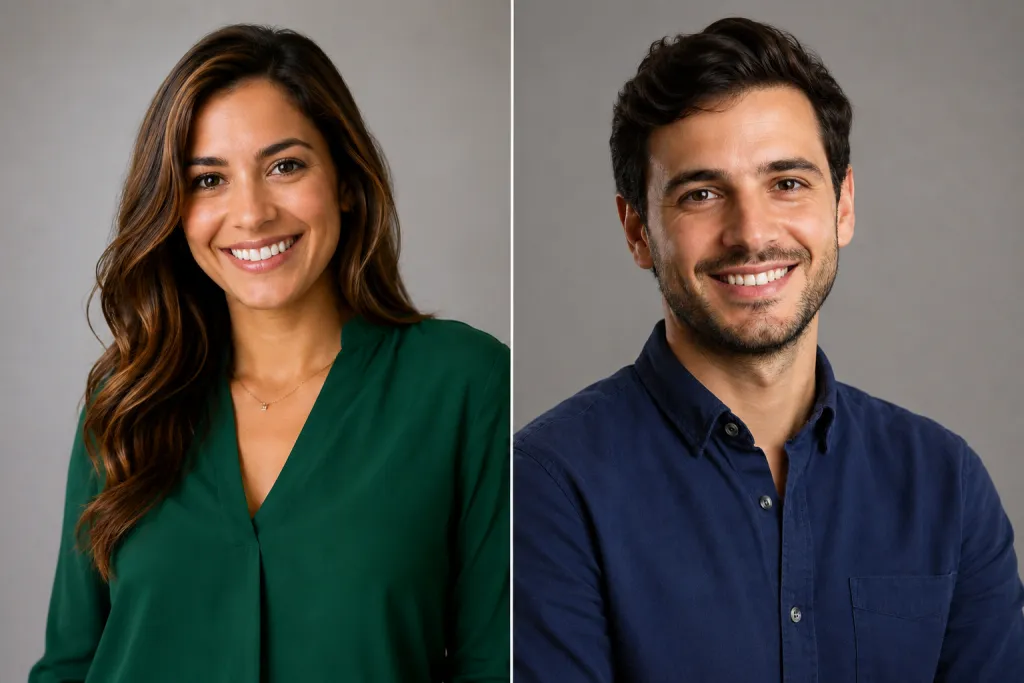
A free online AI image combiner reads the content of two or more images and generates one new image where everything belongs together — instead of pasting rectangles side by side like a collage maker.
Traditional editors make you cut, mask and feather every edge by hand. This AI image combiner reads each picture instead — faces, bodies, products, backgrounds, light direction — and paints one photograph where the subjects share a scene. It works at the level of meaning, not pixels, so the output looks shot in a single moment rather than pasted together.
There is nothing to install and nothing to learn. Whether you searched for an AI photo combiner, an AI picture combiner, a photo merger, an image blender or a plain photo joiner, this is the same one-page combiner: upload, describe, generate — the whole merge runs in your browser tab and finishes in under a minute.
The AI image combiner turns your uploads into a single blended image in under a minute — no install, no account.
Add up to 6 images — the first anchors the scene. Click, drag in, or pick from your camera roll. Photos are optimized in your browser before anything uploads.
Pick a template like Couple Photo or Family Portrait, or describe the exact scene you want — the prompt drives the whole blend.
Hit Generate and watch the fusion. In under a minute you get one blended image — download it as a clean PNG, no watermark.
This free online AI image combiner ships eight tuned style templates plus full manual control. Each template is a ready-made prompt — pick one, drop your photos in, and adjust the wording when you want more control.
One prompt, one frame — the AI arranges your photos into a single cinematic scene.
Open the AI image combiner →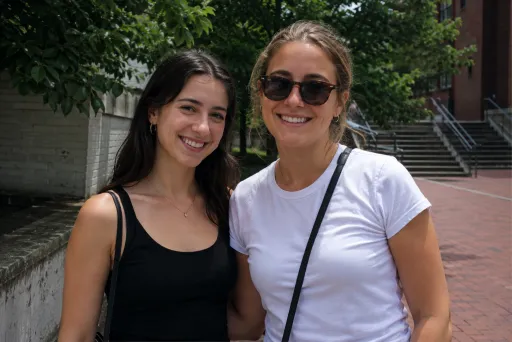
Two separate shots become one shared moment, shadows and light agreeing.
Put two people together →
Turn two solo portraits into a natural photo of you together.
Create a couple photo →
Everyone in one frame — even when they were never in one room.
Combine a family portrait →
Slot someone into an existing scene at the right scale and light.
Add someone into a scene →
A clean two-up frame when you want comparison, not fusion.
Compare two photos in one frame →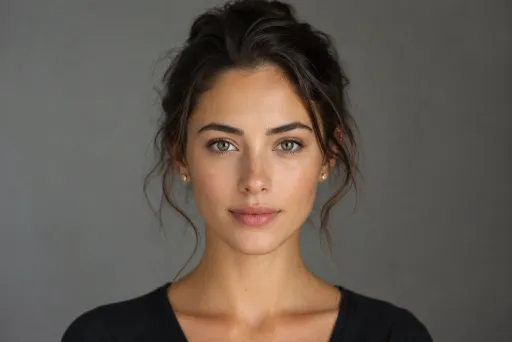
Blend two faces into a single believable hybrid portrait.
Merge two faces →
Borrow the palette and brushwork of one image for the subject of another.
Apply an image style →If you have two pictures that should be one, this is for you. The people who lean on the free online AI image combiner most:
Put relatives from different photos — and different cities — into a single portrait, light and shadows matched.
Merge two solo shots into the couple photo that never happened — anniversaries, long distance, memorials.
Combine your pet's best shot with yours into a single calm moment together.
Add the friend who was holding the camera back into the group shot, at the right scale and light.
Stage a packshot into a lifestyle scene, or preview an outfit on a model before you book a shoot.
Fuse references into a single direction image, or drop a character into an environment plate.
Blend product and mood imagery into a single scroll-stopping banner or post.
Test poster and ad compositions in minutes instead of briefing a full photo shoot.
Feedback on the AI image combiner from the first weeks of the free beta. Results vary with your photos and prompt.
★★★★★“Merged my parents' and my brother's photos into one family portrait and the light actually matches. It took about 40 seconds.”
Priya S.Mother of two · June 2026
★★★★★“I run a small Etsy shop. I staged three products into lifestyle scenes in one evening — no photographer, no studio.”
Marcus T.Etsy seller · June 2026
★★★★★“Made the couple photo my grandparents never got to take. My grandmother cried when she saw it.”
Elena R.Keeping family memories · May 2026
★★★★★“I tried four other photo mergers first. This is the only one where the seams actually disappear.”
Devin K.Graphic designer · June 2026
★★★★★“Dropped the friend who took the picture back into our trip photo. Honestly nobody can tell he wasn't there.”
Aisha M.Travel blogger · May 2026
★★★★★“The prompt control is the difference. I described the exact scene and it nailed the lighting on the first try.”
Tomas L.Content creator · June 2026
A collage maker places images next to each other in a grid. This AI image combiner understands the content of each image and generates one new, coherent image — people share the same light, shadows and perspective, backgrounds merge naturally, and the seams disappear. If you do want a grid, the Side by Side style handles that too.
Yes. Without an account you get 2 free combines per day. Sign in with Google for 30 free credits — that's 3 free combines, no card needed. Each combine uses 10 credits and returns one full-resolution image to download. Need more? Credit packs start at $5 for 100 credits (10 combines).
No. Downloads are clean PNG images with no watermark, ready to share or print.
Three ways: pick a style template such as Couple Photo, Family Portrait or Side by Side; write your own prompt describing the scene you want; and set an aspect ratio. The prompt drives the blend — the more specific it is, the closer the result matches your idea.
Yes — the photo merger accepts up to 6 images in one job. It works best when each photo has a clear subject: a person, a product, a background or a style reference.
Yes, you can use your results for personal and commercial projects. Just make sure you own the rights to the photos you upload.
Not to try it — you can run 2 free combines a day with no sign-up at all. To keep combining, sign in with Google in one click and get 30 free credits — enough for 3 more combines (each combine uses 10 credits). No email registration or credit card required.
Photos are sent over HTTPS only to run your job, and the hosted copies expire automatically within 24 hours. Results also expire after 24 hours, so download your image to keep it. We never build a gallery from your uploads.
Sign in to keep combining. New accounts get 30 free credits — enough for 3 free combines, no card needed.
We only use your name, email and avatar. Questions? support@aicombinerimage.app
Each combine uses 10 credits. Credits never expire.
Secure checkout by Stripe. Payment adds credits automatically.
Your recent combines. Images are kept for 24 hours — download the ones you want to keep.
Loading…